Tags
PRODUCTS
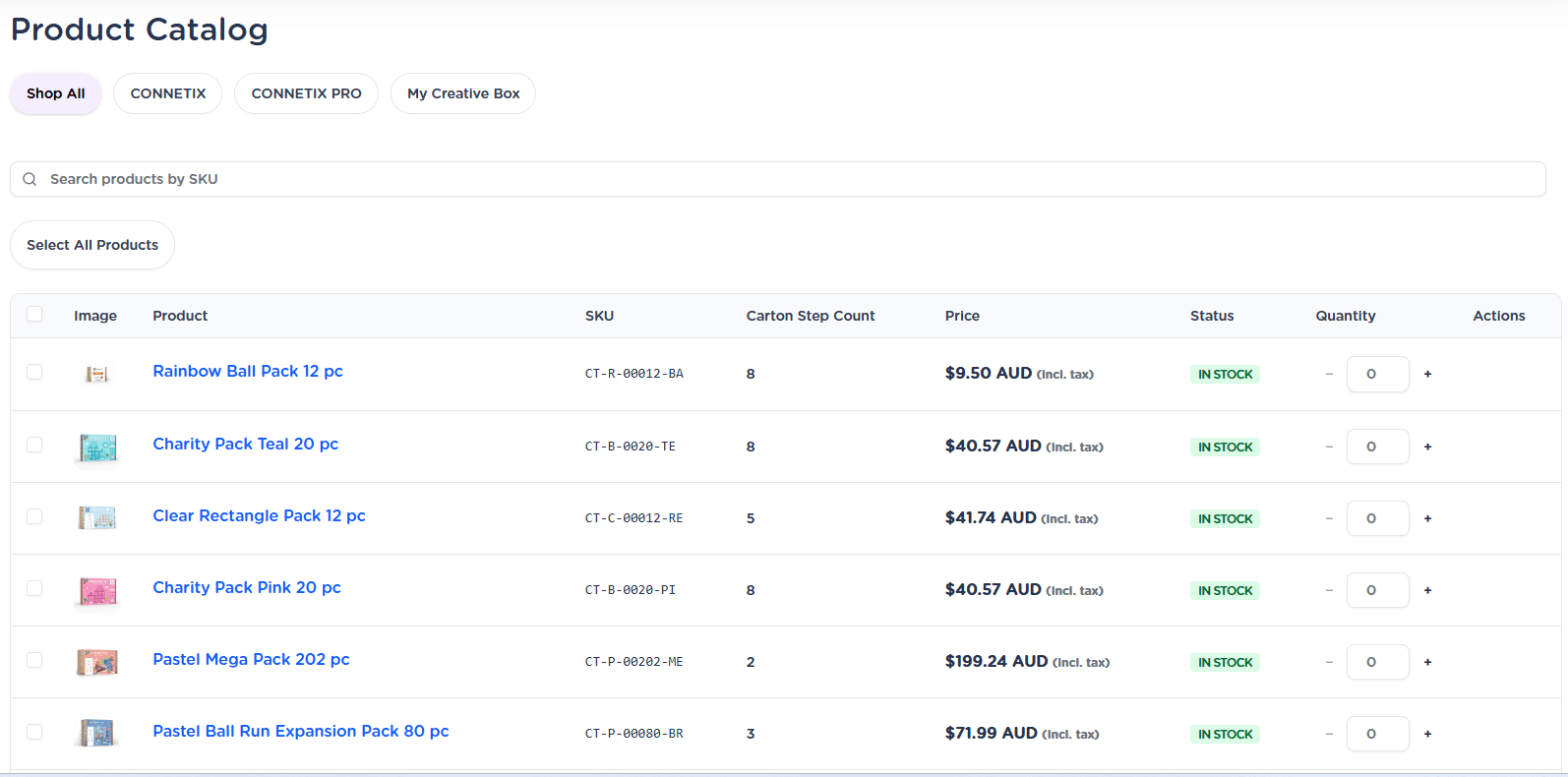
This is the section to order/reorder your stock. Instructions on how to order here.

Tags
This is the section to order/reorder your stock. Instructions on how to order here.
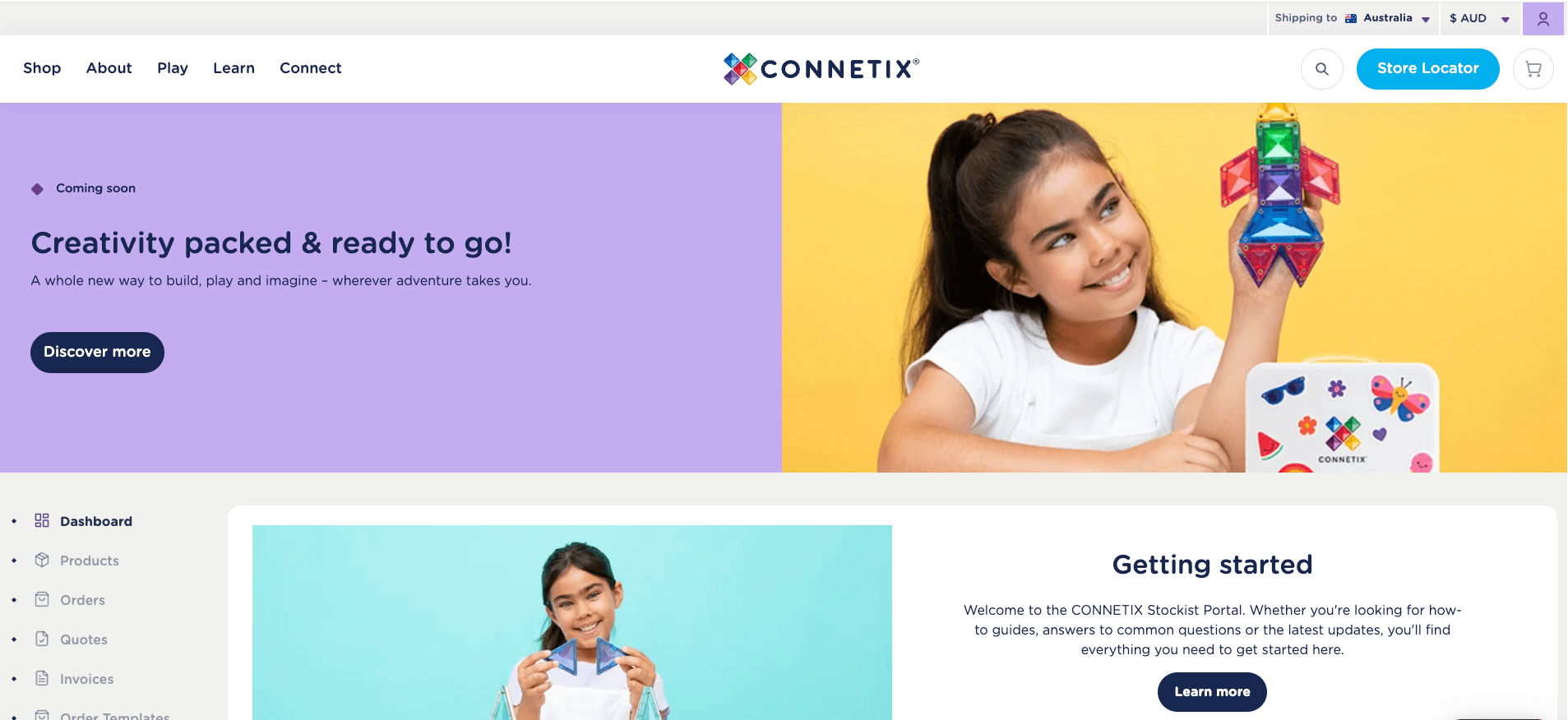

Use this section to manage and review all your orders within the platform.
At the top of the page, you’ll find a summary view that provides a quick snapshot of your overall order activity. Below this, each order is listed with key details, including the Order ID, current status (e.g. awaiting payment, shipped, in transit), and total value.
You can click into individual orders to view more information, including tracking details where available. To help you find what you need quickly, use the search and filter options to sort orders by date or status.
If you need to place a repeat order, simply select a previous order and use the one-click reorder function to streamline the process and save time.

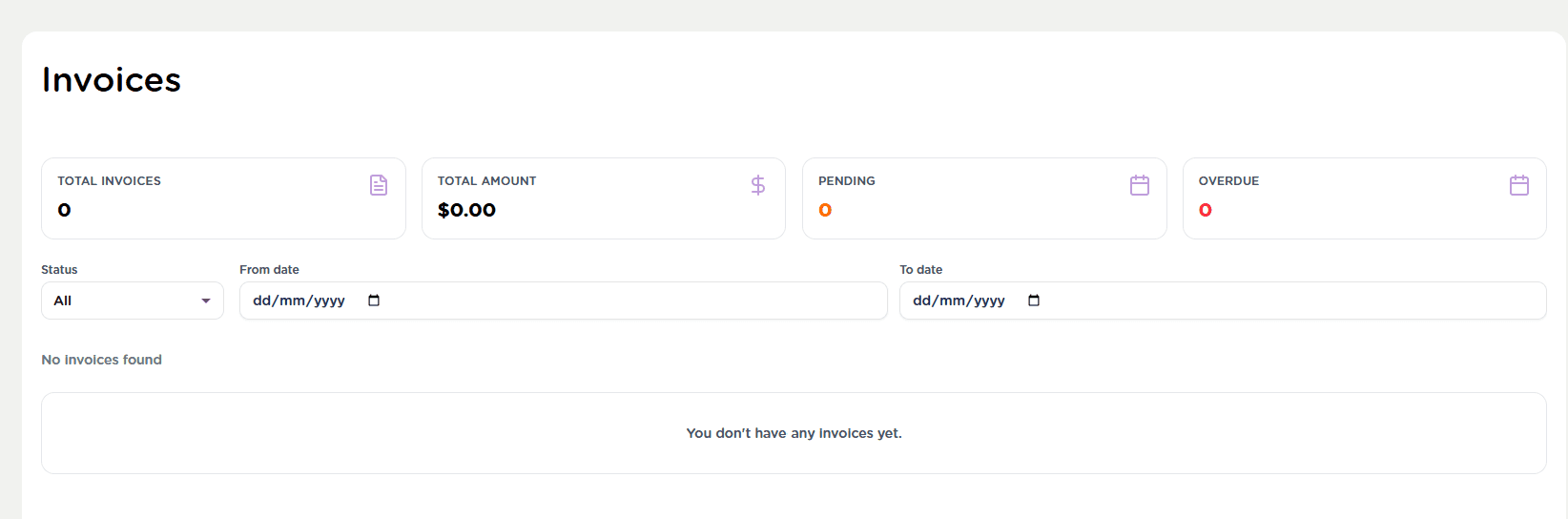
The Invoices tab lets you easily view, manage, and track all your billing in one convenient place. You can click into each invoice to view a detailed breakdown, including line items and payment information. If needed, invoices can be downloaded for your records or shared with your finance team.
Use the search and filter tools to quickly locate specific invoices by date, status, or reference number. This is especially helpful when reconciling accounts or reviewing past transactions.

Use the Order Templates section to create and save customised product lists, making repeat ordering faster and more efficient.
This feature allows you to build templates based on your best sellers or the products you regularly stock. Instead of starting from scratch each time, you can quickly reorder your most common items with just a few clicks.
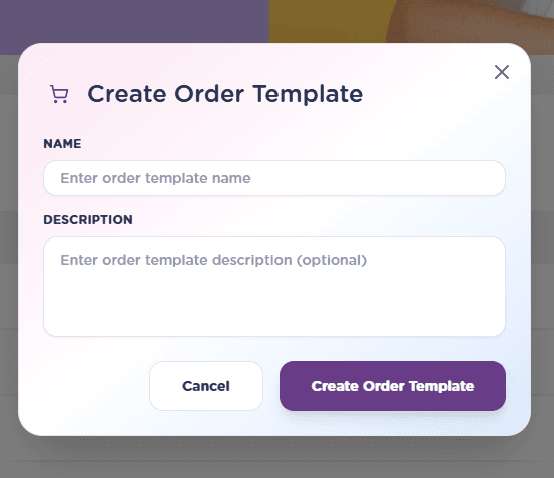
To create a new template, click the “New Order Template” button and follow the prompts. You can easily search for products by name or SKU, then add the items and quantities you need. Once saved, your template will appear in your list for future use.
Templates can be tailored and updated at any time to suit your changing needs. When you're ready to place an order, simply select a template from the list and add it directly to your cart - helping you save valuable time.


The Manage Information section to keeps your account details up to date at any time.
You can view and edit your personal and business information in one central location. You can update key details such as your name, email address, and other contact information to ensure your account always reflects the most accurate and current data.
Simply navigate to this section, make the required changes, and save your updates. Keeping your details accurate helps ensure you receive important communications, order updates, and account notifications without interruption.
You can return to this section whenever needed, giving you full control and flexibility to manage your information quickly and easily.


The CONNETIX team of play experts is made up of qualified teachers, early childhood educators, industry specialists and dedicated parents who are passionate about open-ended play, STEAM learning and quality resources. Together, they share their expertise, experience and love of all things CONNETIX to inspire play-based learning.